How to Sell Physical Products from Your Link-in-Bio (No Website Required)
Stop listening to the "lifestyle influencers" who tell you that selling physical products requires a $299-a-month Shopify subscription, a complex tech stack, and a six-month development cycle. That is a "shiny object" trap designed to keep you spinning your wheels while paying for features you will never use.
The reality? Most small businesses fail because they spend 90% of their time building a site and 10% of their time getting eyes on their products.
In this sixth installment of our Linktree Mastery Series, we are shattering the myth that you need a traditional website to move inventory. If you have a physical product and a Daily-Ads Linktree page, you have a storefront. Everything else is just noise.
The Redirect Death Spiral: Why Your Current Strategy is Killing Sales
Most creators make a fatal mistake: they link their social bio to a generic homepage. They expect the customer to land on the home page, find the menu, click "Shop," find the category, locate the product, and then: finally: add to cart.
The Reality Check: Each additional redirect or "click" in your funnel results in a 20% to 40% drop-off in traffic.
If you send 1,000 people to a generic homepage, you might lose 400 at the first click, another 200 at the second, and by the time they reach the checkout, you’re left with a handful of frustrated visitors. This is the "Redirect Death Spiral."
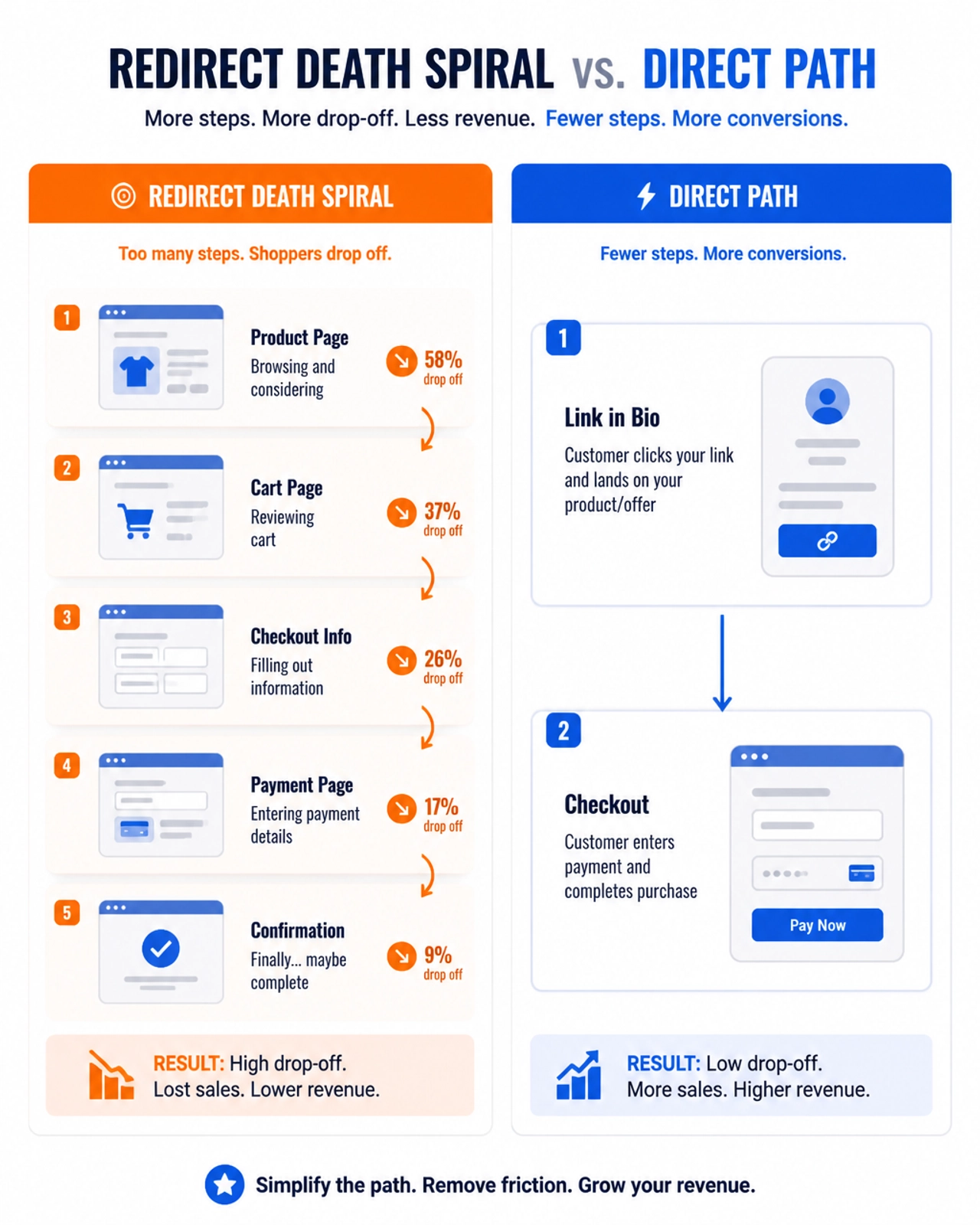
To sell physical goods in 2026, you must adopt a Direct-to-Checkout Blueprint. You don’t need a website; you need a high-velocity landing page that does one thing: sells the item the customer just saw in your content.
Phase 1: The Execution Blueprint – Building Your "No-Site" Storefront
Instead of a bloated e-commerce platform, you are going to use the Daily-Ads Webpage Builder to create dedicated product landing pages.
1. Stop Linking to Homepages
Stop it. Now. If you are promoting a specific pair of handmade earrings on TikTok or a premium coffee roast on Instagram, your link-in-bio should lead directly to a landing page for that specific product.
Use our drag-and-drop builder to create a "Micro-Store" that features:
- A High-Resolution Hero Image: No stock garbage. Take a photo of the product in use. Real life beats studio lighting 100% of the time.
- The Outcome-Based Description: Don't tell them it's "100% cotton." Tell them it "won't shrink in the wash and feels like a cloud."
- The One-Button Checkout: Link your "Buy Now" button directly to a Stripe, PayPal, or LemonSqueezy checkout link.
2. The Linktree "Product Showcase"
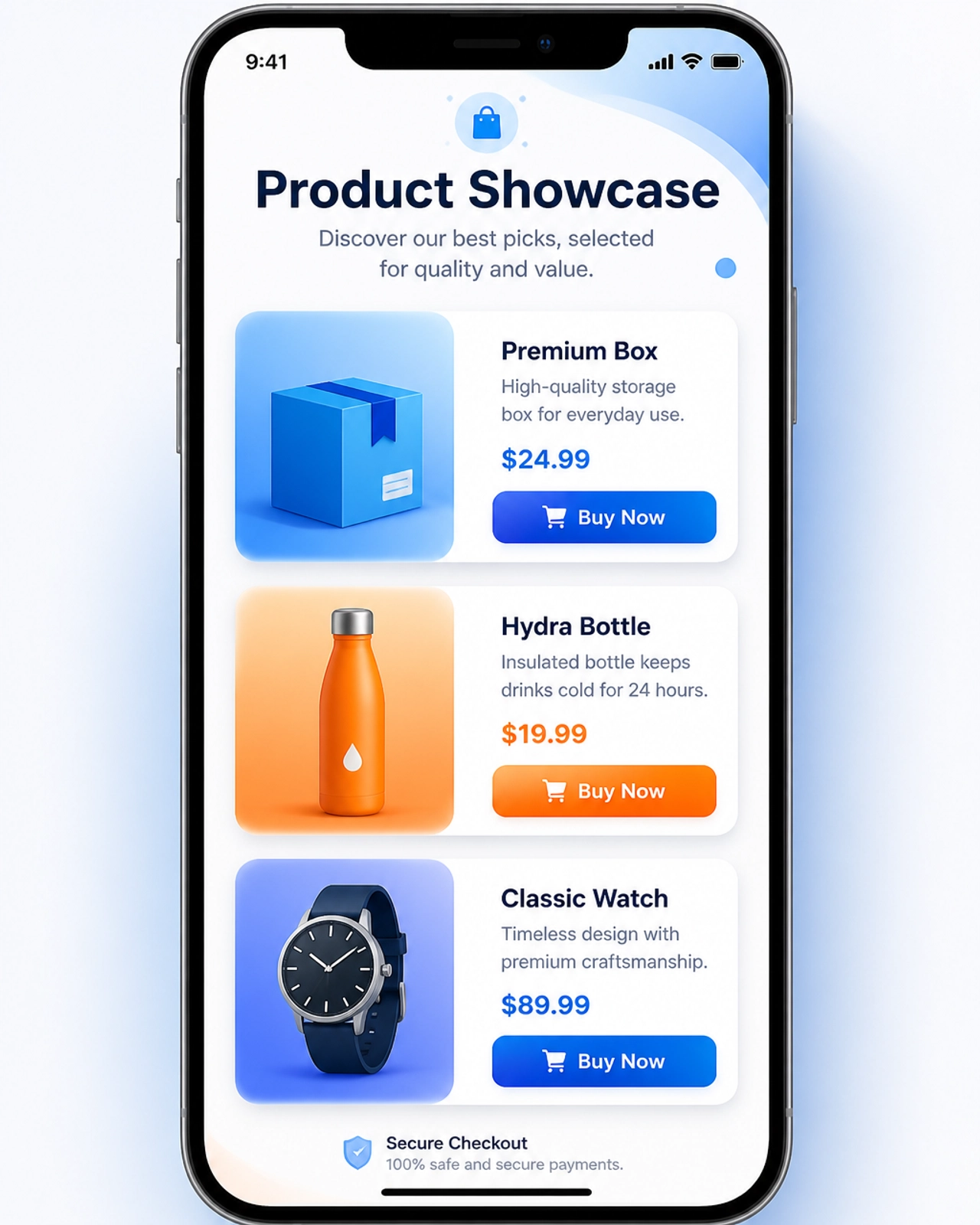
Your Daily-Ads Linktree page is your hub, but it shouldn't look like a phone book. Use the Product Showcase layout.
- Limit to 3-5 Products: Decision paralysis is real. If you offer 50 items, the user will buy zero. Feature your top three best-sellers at the top of your bio page.
- Use Visual Blocks: Instead of text links, use the image-rich blocks available in our builder. A visual representation of your product has a 4x higher CTR than a text-only link.
Phase 2: High-Octane Traffic Stacking
Having a store is useless if nobody sees it. "Build it and they will come" is a lie told by people who have never sold a single unit. You need to hunt for traffic.
Using Banner Ads and DailySwipes
Within the Daily-Ads ecosystem, you have access to internal traffic that most e-commerce "gurus" ignore.
- Banner Ads: Upload high-contrast images of your physical products. These rotate across the entire member network. Don't be generic. Use a blunt call to action: "Stop wasting money on cheap [Product Type]. Get the real deal here."
- DailySwipes (Swipe Ads): This is where you demonstrate the product. Use a 15-second demo video or a series of punchy images. Swipe ads are designed for high engagement; use them to show the problem your product solves.
- Login Ads: If you have a major product launch or a 24-hour sale, use Login Ads. These provide guaranteed daily exposure to the most active members of our community.
Phase 3: The Truth About Trust and "The Messy Middle"
Selling physical goods involves a higher barrier to entry than digital products because the customer is worried about shipping, quality, and scams. 97% of visitors won’t buy on their first visit. To bridge this gap, you need Trust Anchors.
1. The Member Chat Q&A
Most "automated" stores feel like ghost towns. Use the Daily-Ads Member Chat to provide real-time support. Let your customers know they can message you directly with questions. This "human" element can increase conversion rates by up to 15% for small businesses.
2. Scarcity and Social Proof (The Reality Check)
Do not use fake countdown timers. People aren't stupid. Instead, use legitimate stock counters.
- "Only 12 units remaining in this batch."
- "Order by 3 PM for same-day shipping."
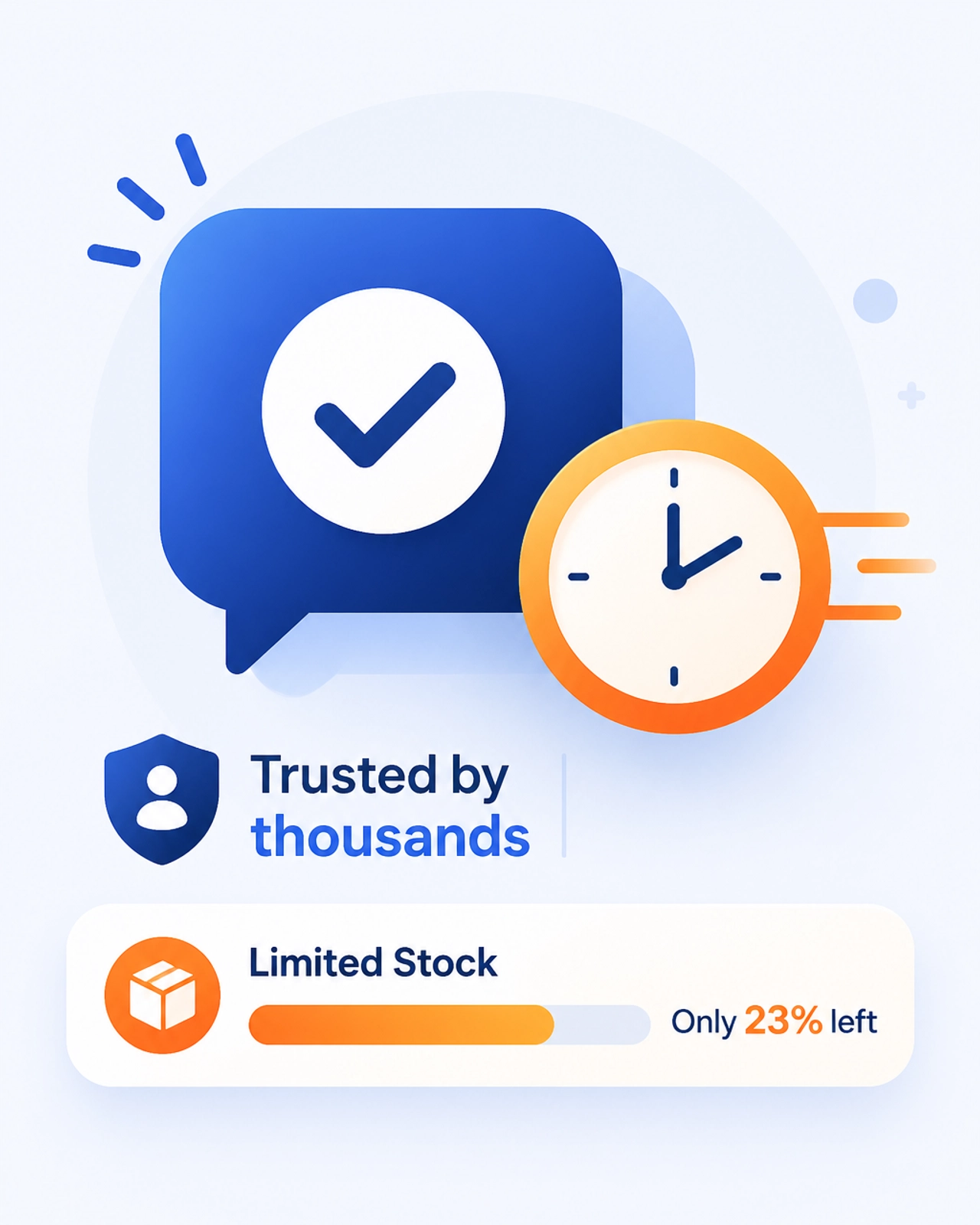
Include User-Generated Content (UGC). A photo of a real person holding your product is worth $1,000 in professional studio photography. It proves the product exists, it arrived on time, and it works.
Step-by-Step Action Plan: Your Next 90 Days
Close the tabs for Shopify and Wix. Stop looking for shortcuts. Execute this plan for the next three months:
- Days 1-7: Choose 3 core products. Take real-world photos of them. No filters, just good lighting.
- Days 8-14: Build your Daily-Ads Webpage Builder landing pages. One page per product. Connect them to a checkout provider.
- Days 15-30: Update your Linktree page with the Product Showcase layout. Put your best-seller at the very top.
- Days 31-60: Scale your internal traffic. Set up your Banner Ads and DailySwipes. Monitor your CTR. If it's below 2%, change your image.
- Days 61-90: Engage with the community. Use the Social Feed to share behind-the-scenes updates on your shipping process. Use the Member Chat to answer questions.
The Bottom Line
Selling physical products isn't about having a complex website; it’s about Traffic + Trust + A Direct Path to Purchase.
Most people will quit at day 45 because they haven't "gone viral." Let them quit. While they are chasing shiny objects, you will be busy fulfilling orders because you built a system based on logic, not luck.
Start building your bio-store today. No excuses.